Auburn Row Design
Valentine's Day Frame TV Art
Valentine's Day Frame TV Art
Couldn't load pickup availability
Valentine's Day Frame TV Art, Valentine's Frame TV Art, Samsung Frame TV Art Valentine's Day, Valentine's Day Tv Art, Valentine's Frame Art, Valentine's Day TV Screensaver, Valentine's TV Screensaver, Samung Frame TV Art, Seasonal Frame TV Art, Frame TV Art Shop, Samsung TV Art Valentine's, AuburnRowDesign
Listing includes:
(1) PDF File - for download access
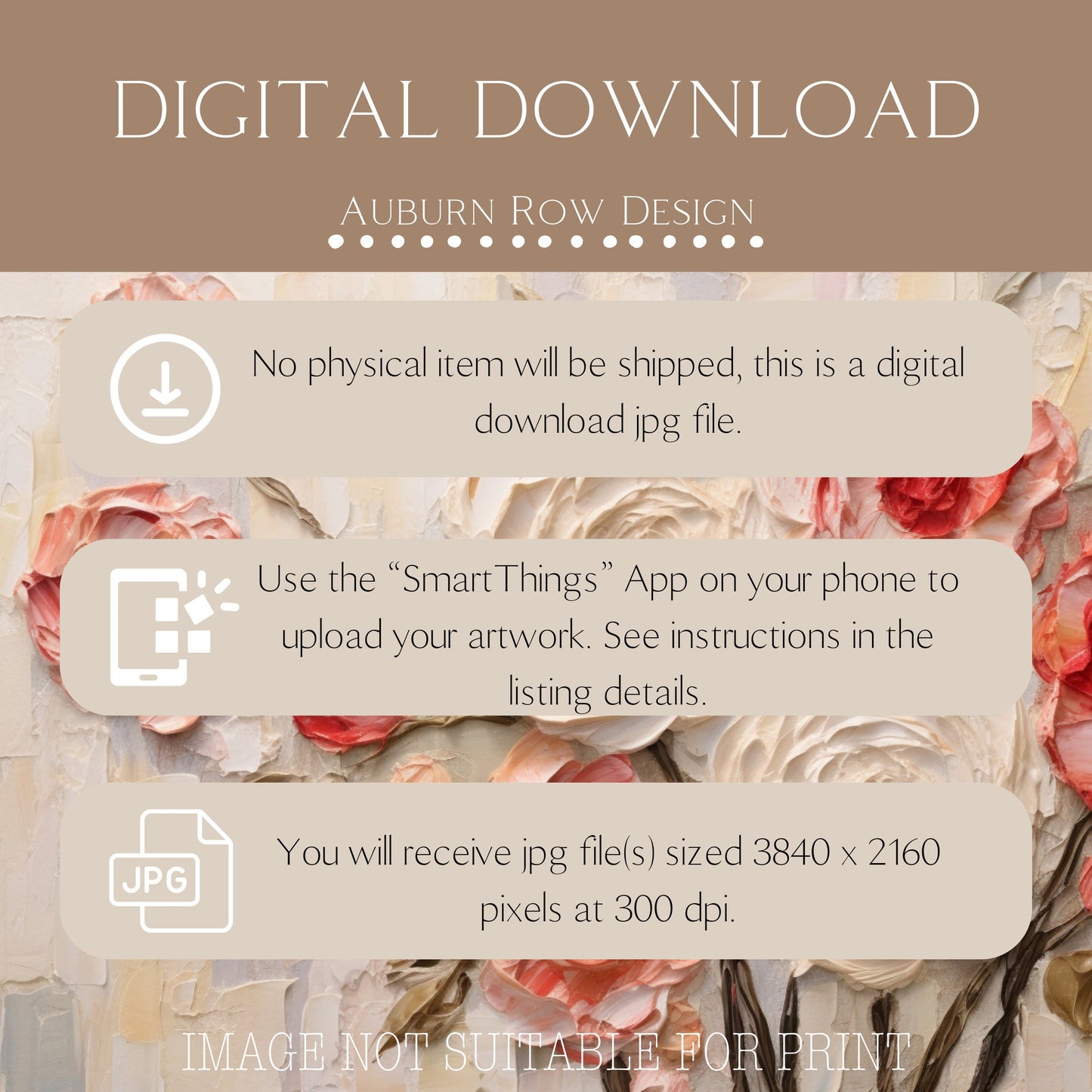
(10) JPG Files 3840 x 2160 pixels at 300 dpi
Before you start:
● Install the free Samsung 'SmartThings' app on your phone
● Connect your phone and TV to same Wifi network
To show art on your TV:
1. Create a 'Frame TV Art' folder on your phone
2. Download art files into this folder
3. In the SmartThings app, select your TV
4. Go to 'Art Mode'.
5. Add your photos from your Frame TV Art folder
6. Adjust the display to your liking
Further instructions are here:
https://www.samsung.com/us/support/answer/ANS00076727/
● This is an instant digital download, nothing physical will be shipped. Frame is not included.
● Colors may vary slightly due to differences in monitors.
TERMS OF USE:
These artwork files are for PERSONAL USE ONLY. You are not permitted to use, reproduce or modify them for any commercial purposes.
Due to the digital nature of this products, no refunds will be given.
© Auburn Row Design 2023 - All Rights Reserved